
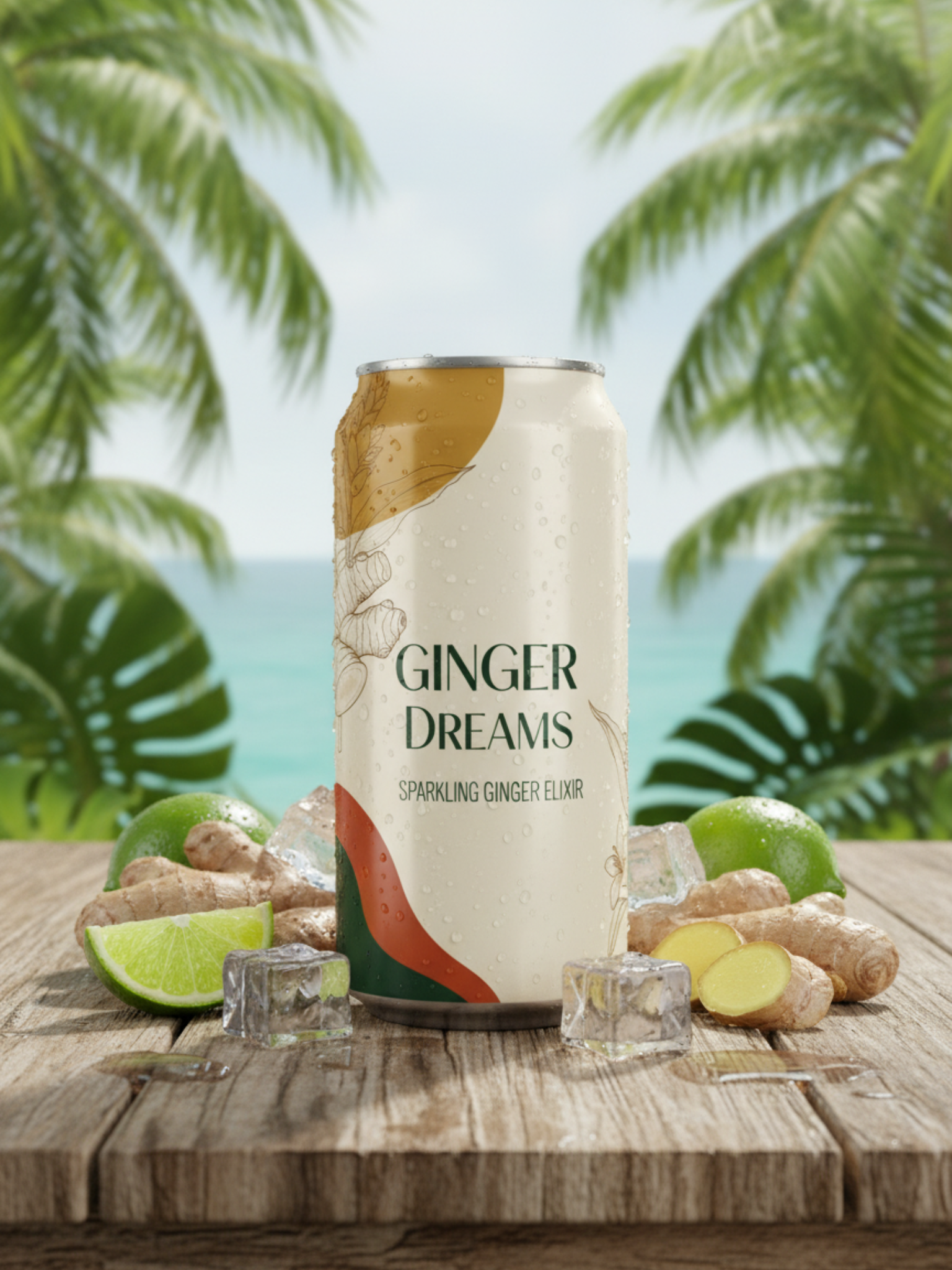
Introduction:
In today’s digital world, visuals sell. But professional product photography can be expensive, time-consuming, and sometimes impossible to coordinate — especially for eCommerce startups or digital creators.
What if you could create realistic, studio-quality images of your products without hiring a photographer or renting a studio?
That’s exactly what AI-powered product image generation allows you to do. In this article, you’ll learn how to create professional product photos using Autoshoot, and how this technology is changing the future of eCommerce visuals.
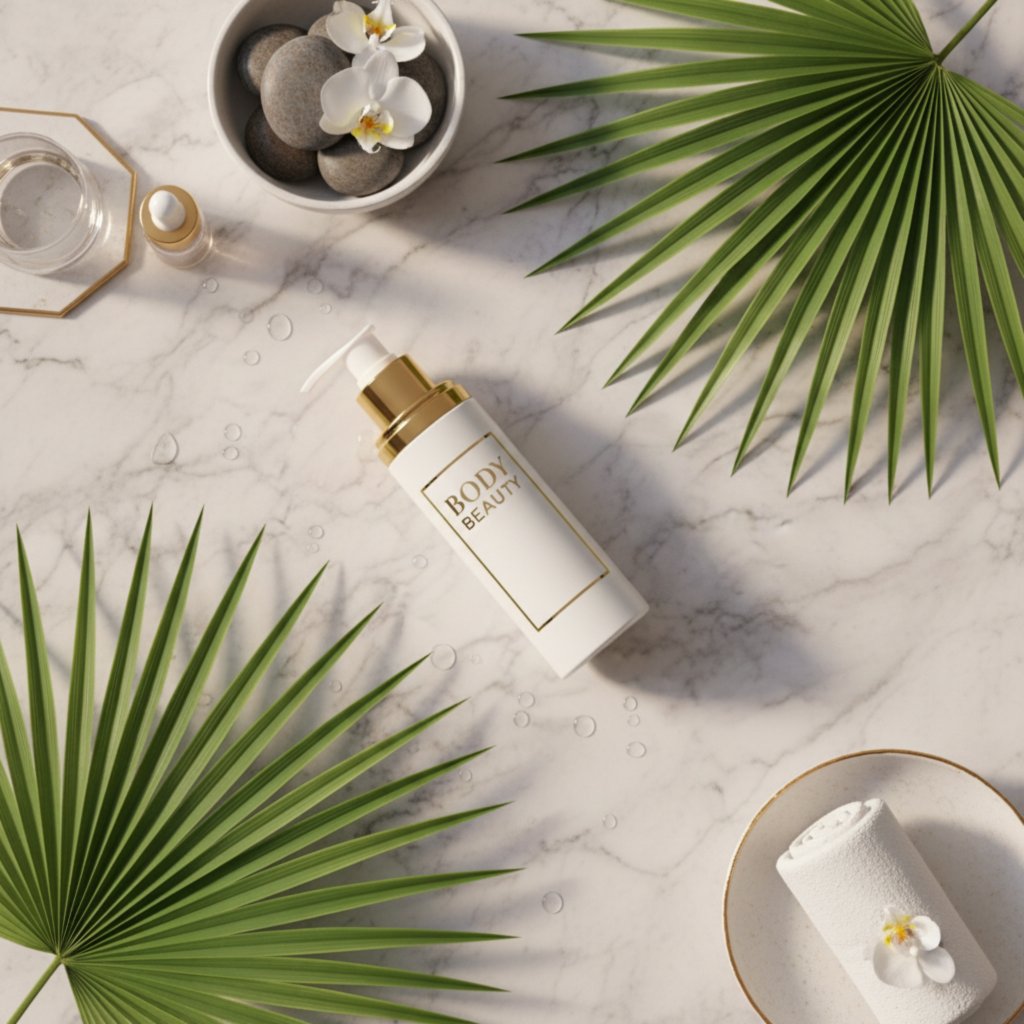
1. Why Traditional Product Photography Is Outdated
Hiring a photographer, setting up lights, and booking a studio can take days — not to mention the high costs of editing and retouching.
Common issues with traditional photoshoots:
- Expensive sessions and equipment
- Limited creative flexibility
- Time-consuming editing
- Hard to scale for large product catalogs
AI-generated visuals remove all of these barriers.
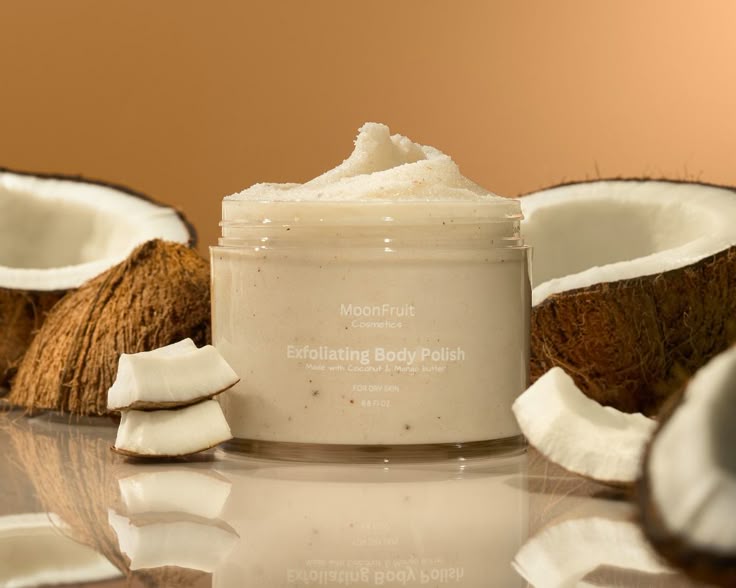

2. What You Can Do With AutoShoot
Autoshoot uses advanced AI models to generate photorealistic product images in just a few clicks.
Here’s what you can create:
- Studio shots with custom lighting
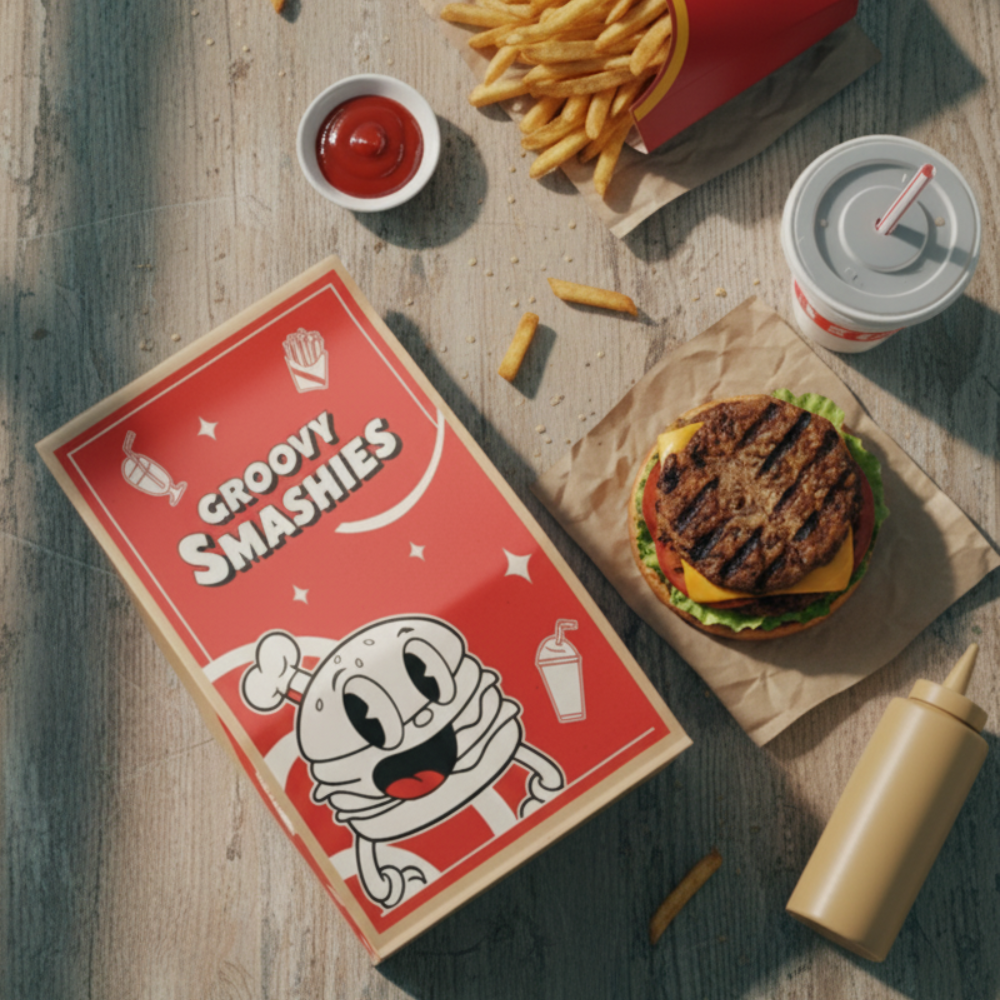
- Lifestyle photos showing products in context
- Seasonal or themed backgrounds (e.g., Christmas, summer, minimalist desk)
- Multiple color and texture variations
All from a single base image or 3D render.
3. Step-by-Step: How to Create Product Images Without a Photoshoot
Step 1: Upload Your Product Photo
You only need a simple image — even one taken with your phone against a plain background.
Step 2: Choose the Background or Scene
Select from Autoshoot’s built-in styles in some of the profiles or write a custom prompt like:
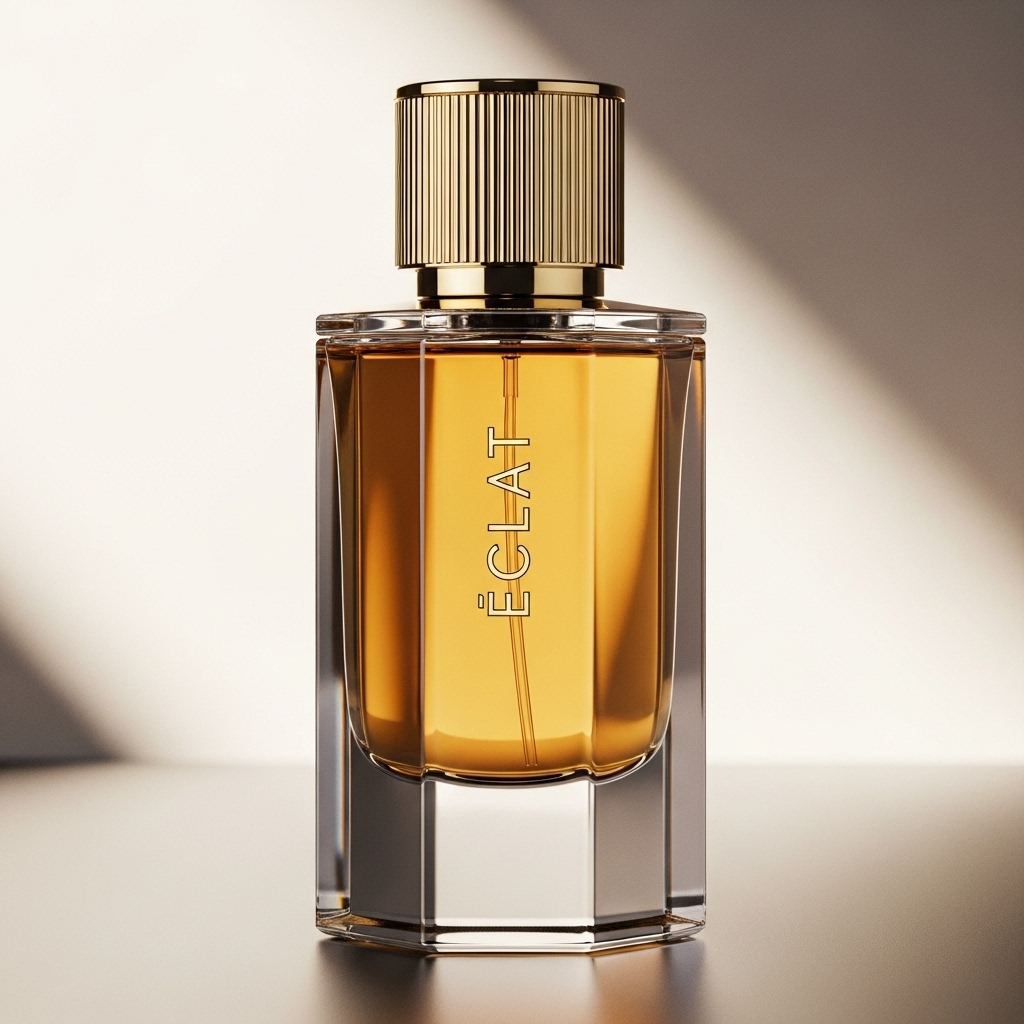
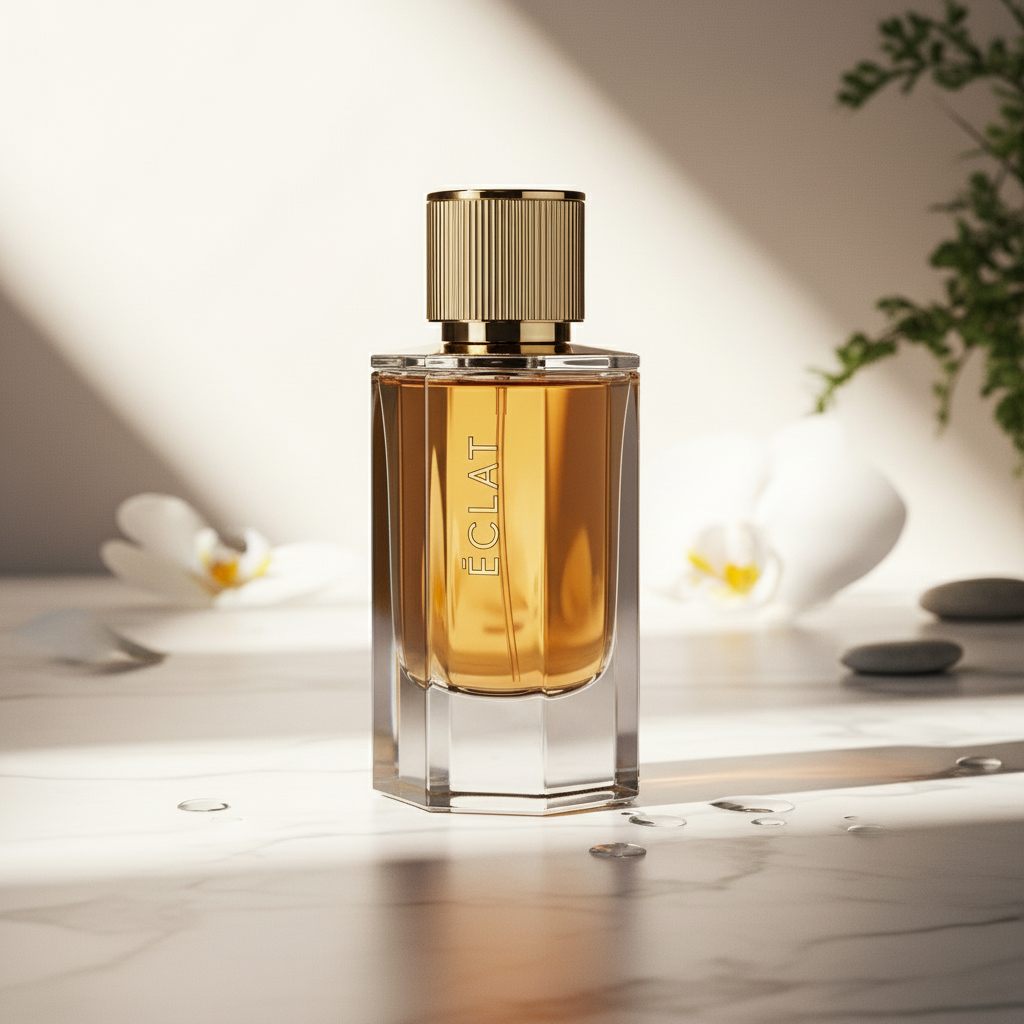
“A luxury perfume bottle on a marble countertop with soft sunlight.”
Step 3: Adjust Lighting and Shadows
Autoshoot automatically adds realistic reflections, depth, and natural lighting for a professional look while mantaining everything from the original object.
Step 4: Generate and Download
With one click, Autoshoot produces multiple variations. Download your favorites in HD and use them instantly for your online store, social media, or ads.
4. Benefits for Brands and Creators
| Traditional Photography |
|---|
| Expensive and slow |
| Requires physical setup |
| Limited styles |
| Needs editing |
| Autoshoot AI |
|---|
| Affordable and instant |
| 100% digital |
| Infinite customization |
| Auto-enhanced by AI |
With Autoshoot, your visuals can evolve with your marketing — new backgrounds, new styles, new campaigns, all from the same product base image.
5. Use Cases
AutoShoot is perfect for:
- E-commerce stores: Generate catalog-ready product photos.
- Clothing brands: Create fashion photos without the need of a big budget.
- Social media marketers: Create engaging visuals for posts and ads.
- Design agencies: Offer branded photo creation without photoshoots.
- Product designers: Visualize prototypes before physical production.
6. Tips for the Best AI Product Images
✅ Use high-resolution base images.
✅ Keep product edges clear (no cluttered backgrounds).
✅ Write detailed prompts describing the mood, lighting, and setting.
✅ Try different camera angles for variety.
✅ Always review outputs to ensure brand consistency.
7. The Future of Product Photography
AI isn’t replacing creativity — it’s enhancing it.
By automating the technical part, creators can focus on branding, storytelling, and emotion.
Autoshoot represents a new era of digital production, where quality meets speed and innovation replaces logistics.
🚀 Conclusion
With Autoshoot, you can create professional, realistic product images in minutes, not days.
Forget about expensive studios — start generating visuals that make your brand shine.
💡 START CREATING!
👉 Try Autoshoot today and see how AI can transform your product photography.
Register and create your frst 4 images for free →