
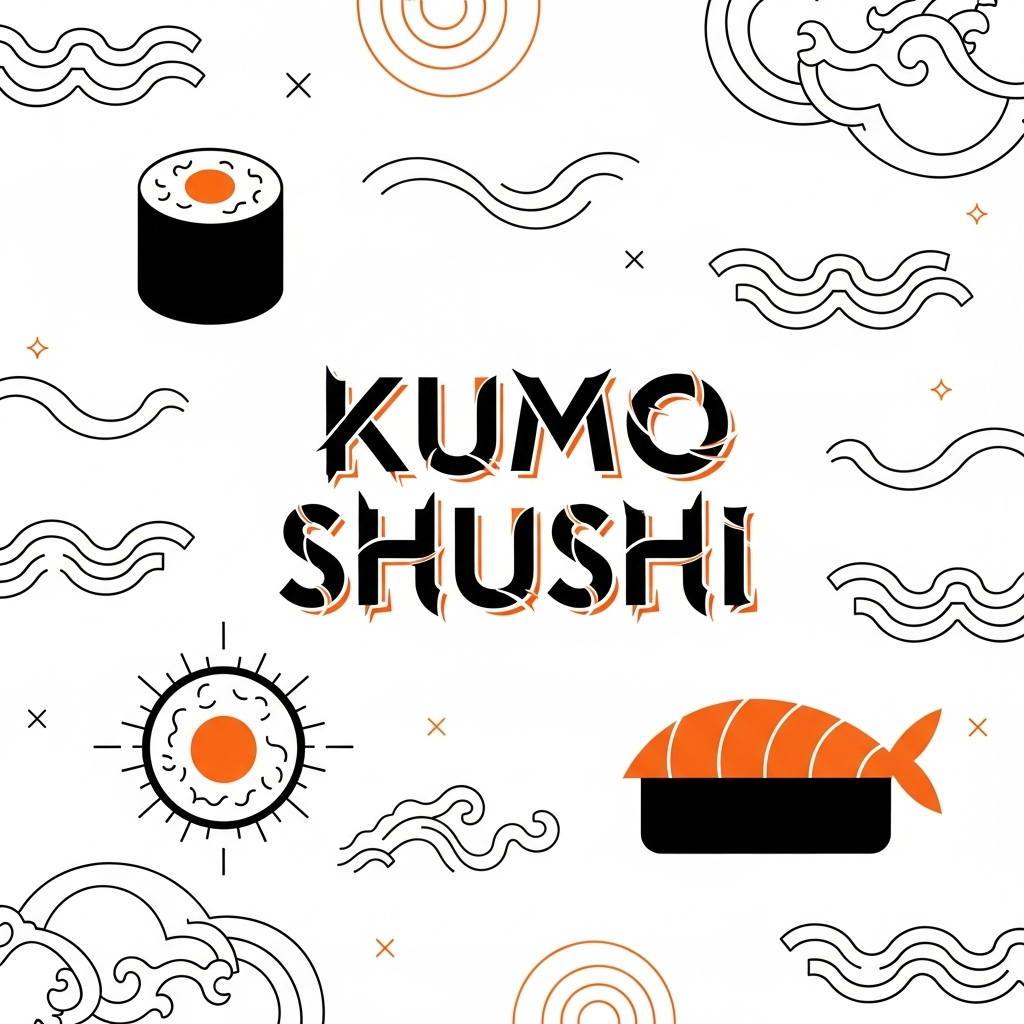
Introduction:
Building a successful brand today requires more than great products — it’s about how your brand looks and feels.
Professional imagery can tell your story, define your identity, and make your brand instantly recognizable.
In this article, we’ll show you how to create a complete visual campaign using AI-generated images, from packaging and menu photos to lifestyle and branding shots.
We’ll use a fictional sushi restaurant called “Kumo Sushi” as an example to demonstrate how to build a full campaign — no studio required.
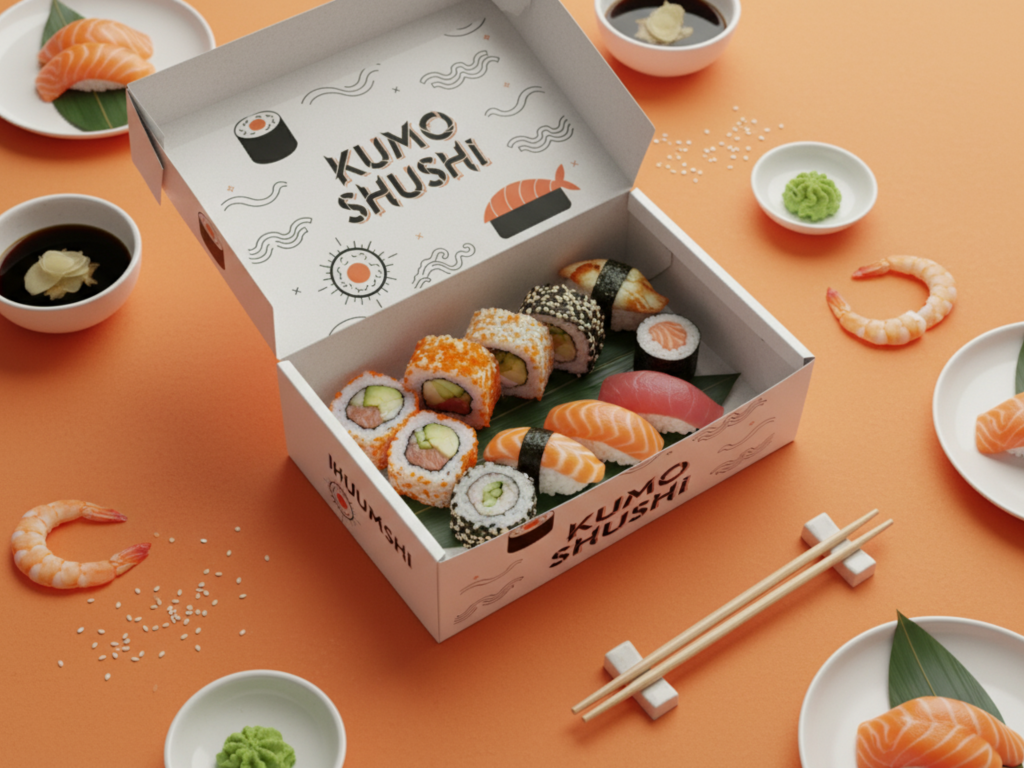
1. Why Visual Branding Matters More Than Ever
A consistent visual identity helps customers recognize and trust your brand instantly.
It’s not just about showing what you sell — it’s about showing who you are.
Strong visuals communicate:
- Brand values (quality, creativity, culture)
- Style and personality
- Professionalism and attention to detail
- Emotional connection with your audience
AI-generated imagery makes it easy to maintain this consistency across every visual touchpoint — even if you don’t have access to professional photographers.
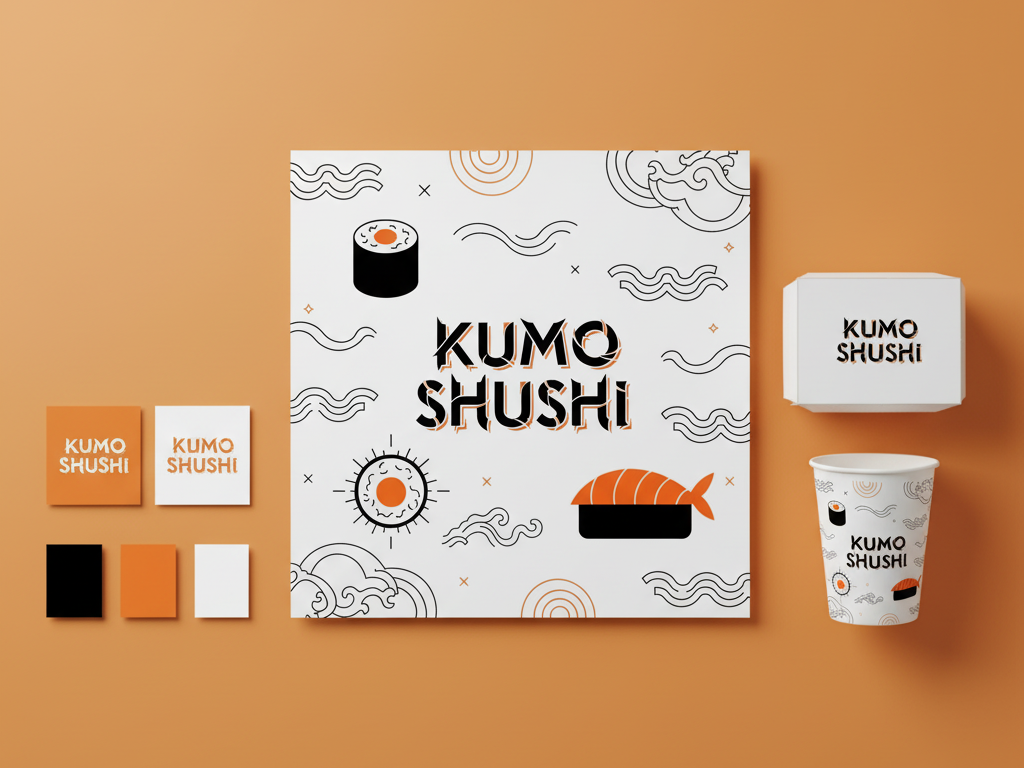
2. Define the Story Behind Your Brand
Before creating visuals, decide what story you want your images to tell.
For Kumo Sushi, the story could be:
“A modern Japanese restaurant blending tradition and modernity — clean designs, artisanal quality, and serene atmosphere.”
This story becomes the foundation for your visual direction, influencing colors, lighting, angles, and mood.
3. Design Your Campaign Elements
A complete branding campaign includes several visual categories.
Here’s what you should create for a professional result:
1. Product & Menu Photos
Highlight your key dishes and drinks with consistent lighting and color tones.
Use simple backgrounds or textured surfaces (wood, stone, or neutral fabric).
2. Packaging Design
Show branded boxes, chopsticks, bags, and takeout containers with your logo applied.
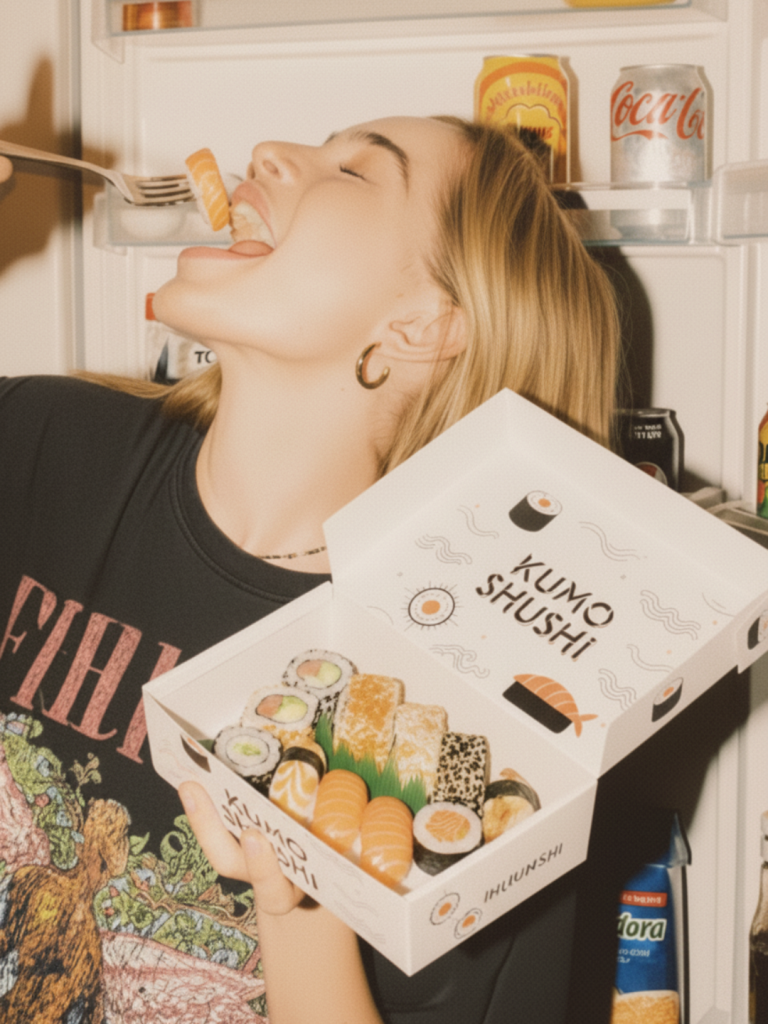
3. Lifestyle Images
Create emotional connection: customers enjoying sushi, a cozy dining setup, or food being served elegantly.
4. Brand Collateral
Generate visuals for menus, posters, signage, and delivery packaging mockups.
4. How to Create Your Campaign with AutoShoot
Step 1: Upload Base Assets
Start with your brand logo, a few base sushi images, or packaging templates.
Step 2: Define Visual Prompts
Describe the mood, colors, and setting you want. Example prompt:
Step 3: Generate and Refine
Generate multiple variations. Choose the most visually consistent and realistic ones.
Step 4: Organize Your Visual Library
Group images by theme — packaging, menu, lifestyle, social media, signage — so your campaign looks cohesive across all platforms.
5. Bringing the Brand to Life Online
Once you have your visuals, you can use them for:
- Website banners and hero sections
- Social media posts and ads
- Printed menus or flyers
- Digital signage or online delivery apps
Consistency is key: use the same tones, lighting, and logo placements across every image to make your brand instantly recognizable.
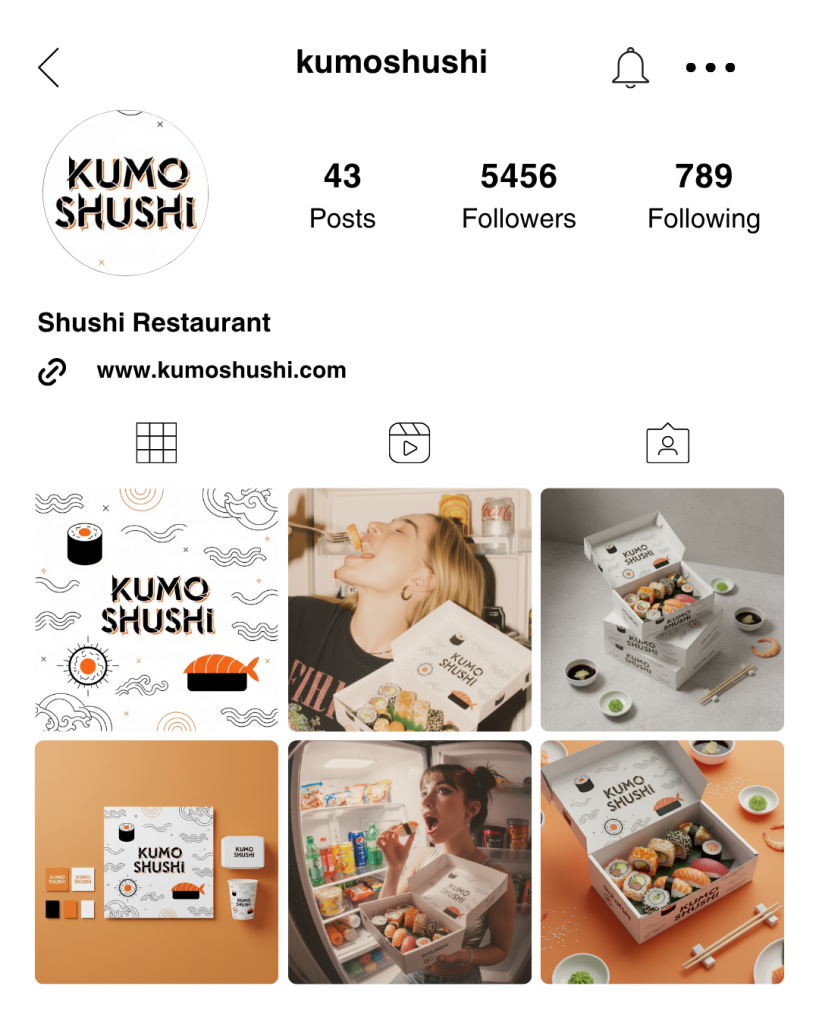
6. Visual Consistency Checklist
✅ Same lighting and background tone across all photos
✅ Matching logo placement and color balance
✅ Consistent mood (e.g., calm, premium, modern)
✅ Use the same filters and ambient
✅ Adapt vertical and horizontal versions for different platforms
7. The Power of AI in Branding
Creating professional visuals used to mean expensive photoshoots and design agencies.
Now, with AI tools like Autoshoot, you can:
- Generate a full campaign in hours
- Instantly preview new branding directions
- Update packaging visuals whenever you need
- Maintain creative control — without technical limitations
AI makes brand storytelling accessible to everyone.
🚀 Conclusion
Creating a professional branding campaign doesn’t require a camera or a creative agency anymore.
With AI tools like Autoshoot, you can build a full visual identity — from product shots to packaging — that reflects your brand’s essence perfectly.
💡 START CREATING!
👉 Start your first AI branding campaign today with Autoshoot.
Create visuals that elevate your brand and make your business unforgettable.
Register and create your frst 4 images for free →